Plan, track and show off the course from one model.
Measure renovation ideas on the real ground, see everything open across the course, and put an explorable course on your website.
Plan projects on the real ground
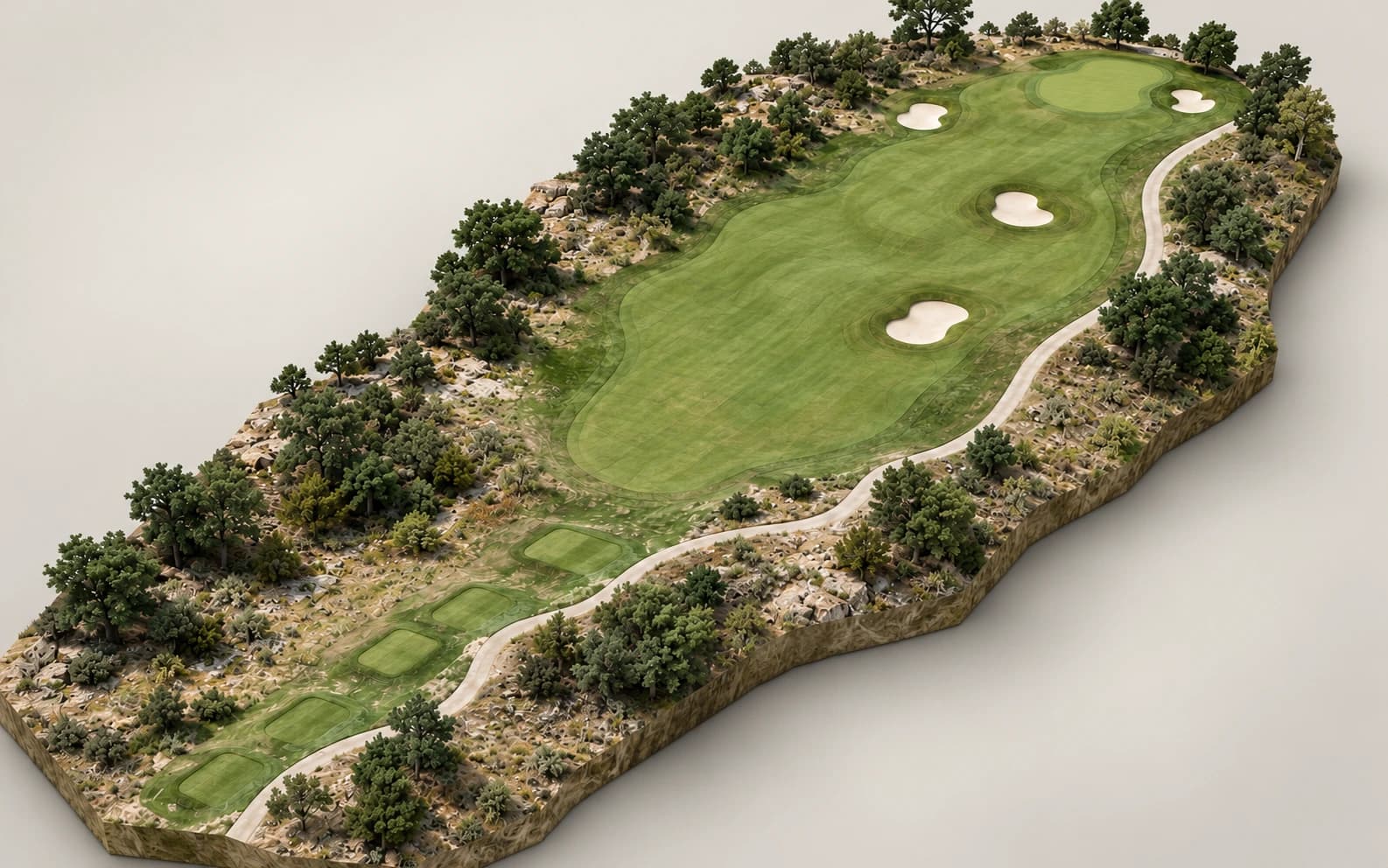
Before the first conversation with an architect or a board, put numbers on the idea. The twin is a 3D model of the course as it stands today, with tools for distance, grade, and cross-sections, and cut and fill for your staff.
Send your architect or your board a link that opens the same view of the hole in their browser, so the conversation starts from the ground and not from a description of it. More on renovation planning.
See what is open across the course
Every issue your staff pin on the course lands on one board. Views show what is open and what is overdue, and filters narrow it by priority, category, assignee, and hole.
Export the board to CSV for a report, or print a punch list for a hole before a walk-round. More on course issue tracking.
Show the course off
We set up a single iframe that drops into any page of your existing website, on any CMS. Each frame holds one hole: a visitor can watch a guided tour, then take the controls and look around.
A full-screen showcase runs the course on a clubhouse or pro-shop screen, touring hole after hole with no one at the controls.
An engagement dashboard shows your admins which holes visitors explore, which tours they finish, and where they came from. That measurement is anonymous and collected without cookies. More on interactive 3D course tours.
A better golfer experience, without an app
Every club has its own Course Correct address where golfers get the whole course: a tour of every hole, per-tee yardages, plays-like distances to the green, a tee-shot preview, green guides with the day’s pin, and an AI caddie that answers from the hole’s own terrain.
It opens from a link in a phone or desktop browser, with no account and no app.
What it takes from your team
Three things, and none of them is software to install.
A flight window
Agreed with your superintendent, usually a morning or two around the tee sheet.
A website contact
Whoever edits your site, so we can set the embed up with them.
Thirty minutes for a demo
Ideally with your superintendent in the room, since the same model serves both of you.
What it is not
The twin is indicative, not survey-grade. Use it to scope a project, compare options, and brief people. Design and construction quantities should come from your architect or engineer, working from a licensed survey. How we capture a course sets out the method and its limits.
Questions from general managers and owners.
Yes. The tour embeds in any page of your existing site with a single iframe, on any CMS, and we set the snippet up with you.
Yes. The golfer view of the course opens from a link, with no account and no app. Only the staff tools need sign-in.
Send them a link. The course opens in any browser with no account, on the view you chose. To see issues and the other staff layers, a board member needs to be added to your team.
The flying is usually a morning or two, planned around your tee sheet and scheduled with your superintendent. Processing takes days, not weeks.
Golf course renovation planning with cut and fill
Plan a golf course renovation on a 3D model of your own course: measure distance and grade, draw cross-sections, and estimate cut and fill in the browser.
ReadPlatformGolf course maintenance issue tracking on a 3D map
Issue tracking for golf course superintendents: pin a problem on the 3D course with a photo, priority, assignee and due date, then work it from one board.
ReadPlatformInteractive 3D golf course tour for your club website
Embed an interactive 3D golf course tour on your club website with one iframe. Visitors explore each hole, and you see which holes hold their attention.
ReadBook a demo.
30 minutes, on a live twin, with your team. We'll show the staff tools, the golfer experience and the website embed, then map out what your course would involve.
- A live twin in the browser, not a slide deck
- Issues, terrain layers, and measuring tools on a real course
- The golfer experience and the website embed